
Mac · Utilities
RenameMate
Batch-rename a folder full of files, with a preview before anything changes.

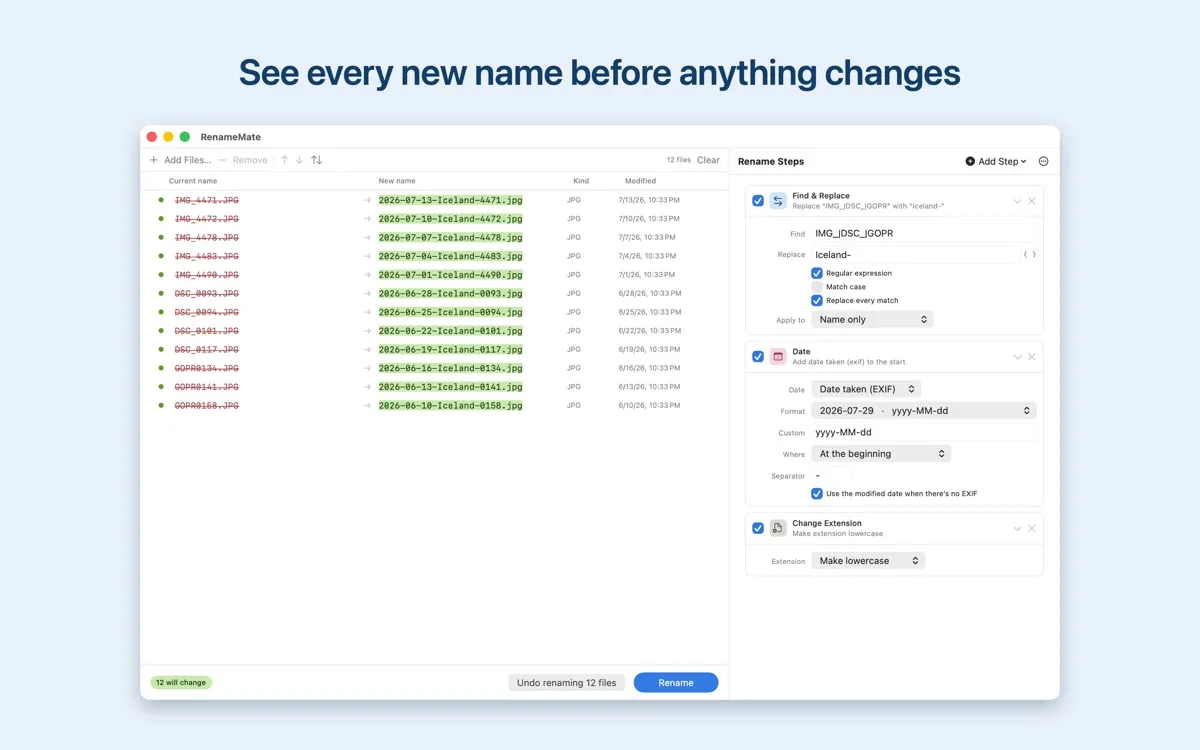
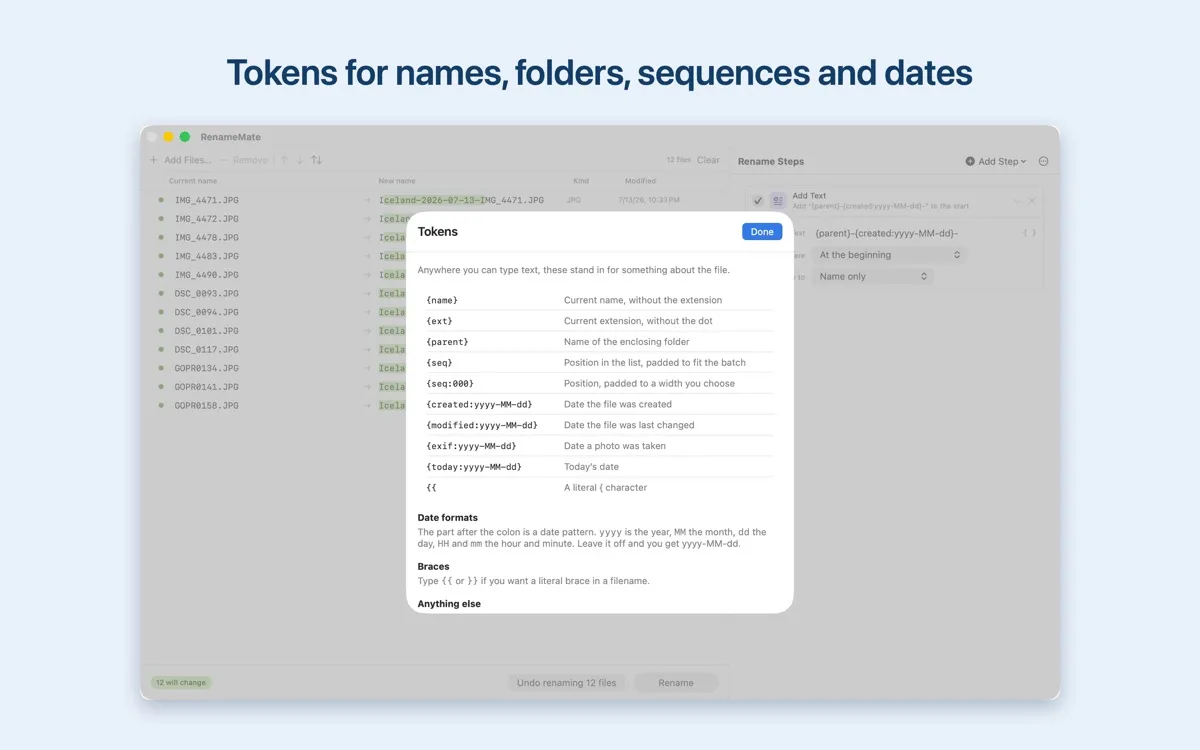
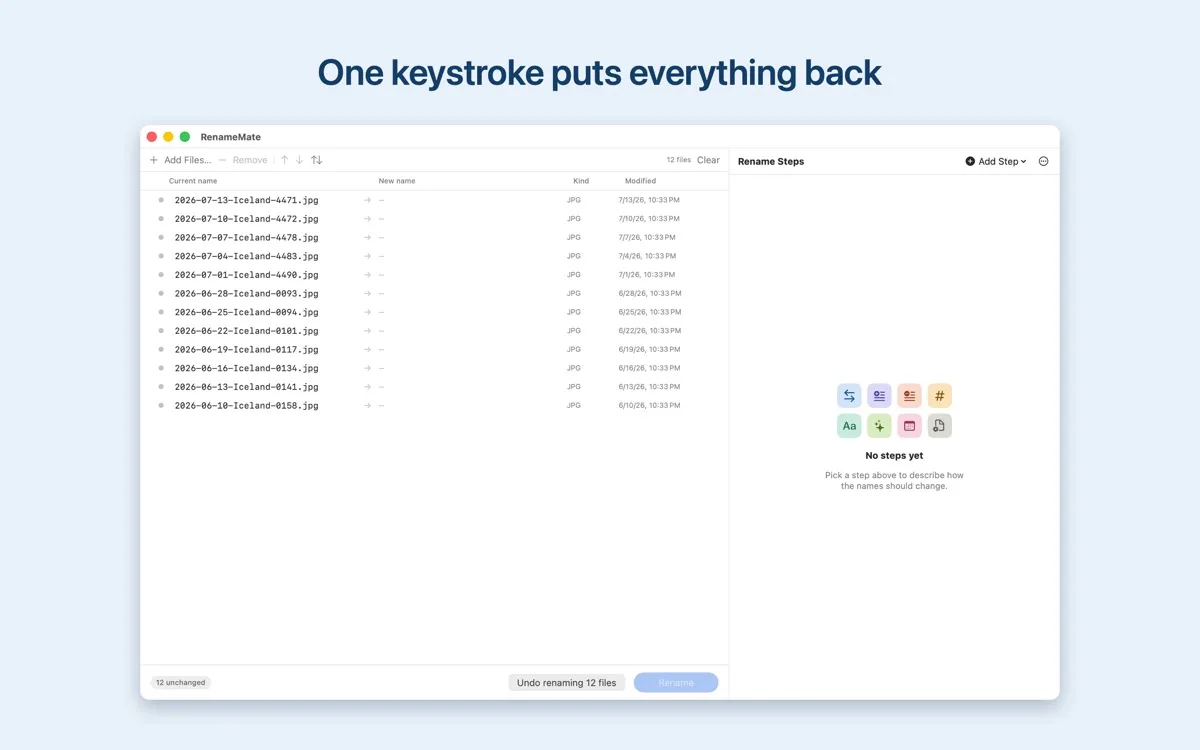
Renaming in bulk is easy to get wrong, so RenameMate shows you every new name first.
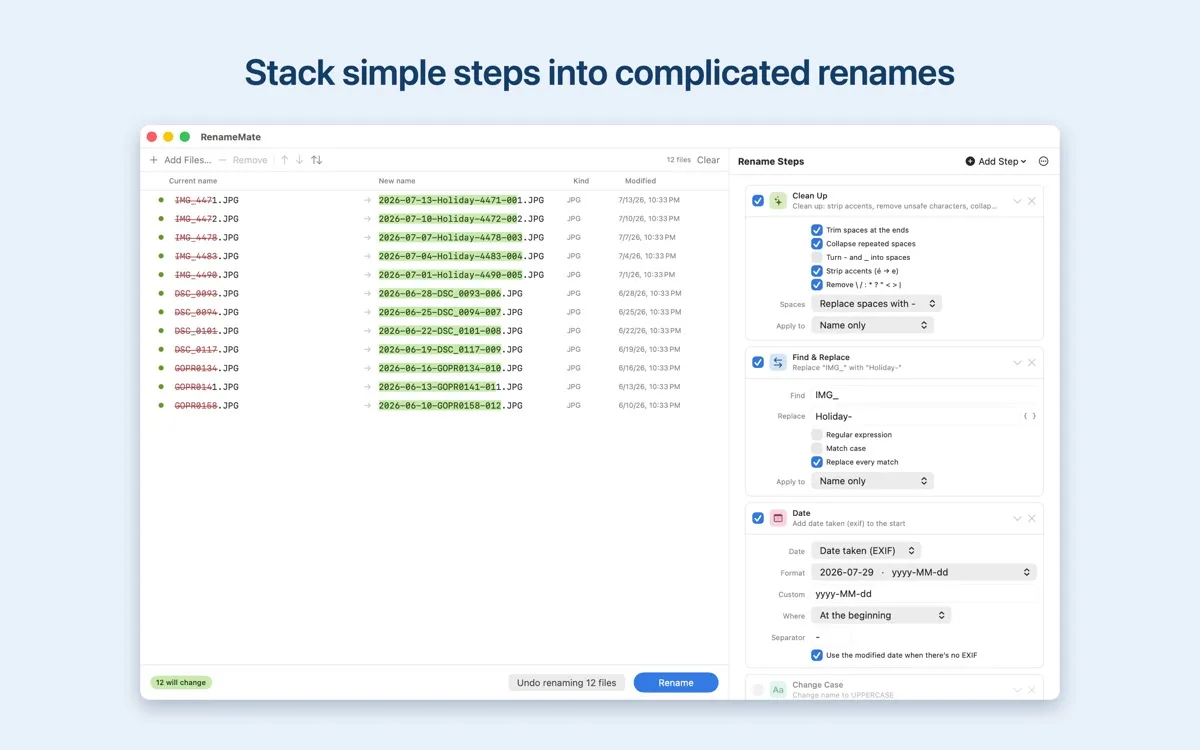
RenameMate renames a folder full of files in one go. Stack as many steps as you like: they run top to bottom, each working on the result of the last, so complicated renames come out of simple parts.
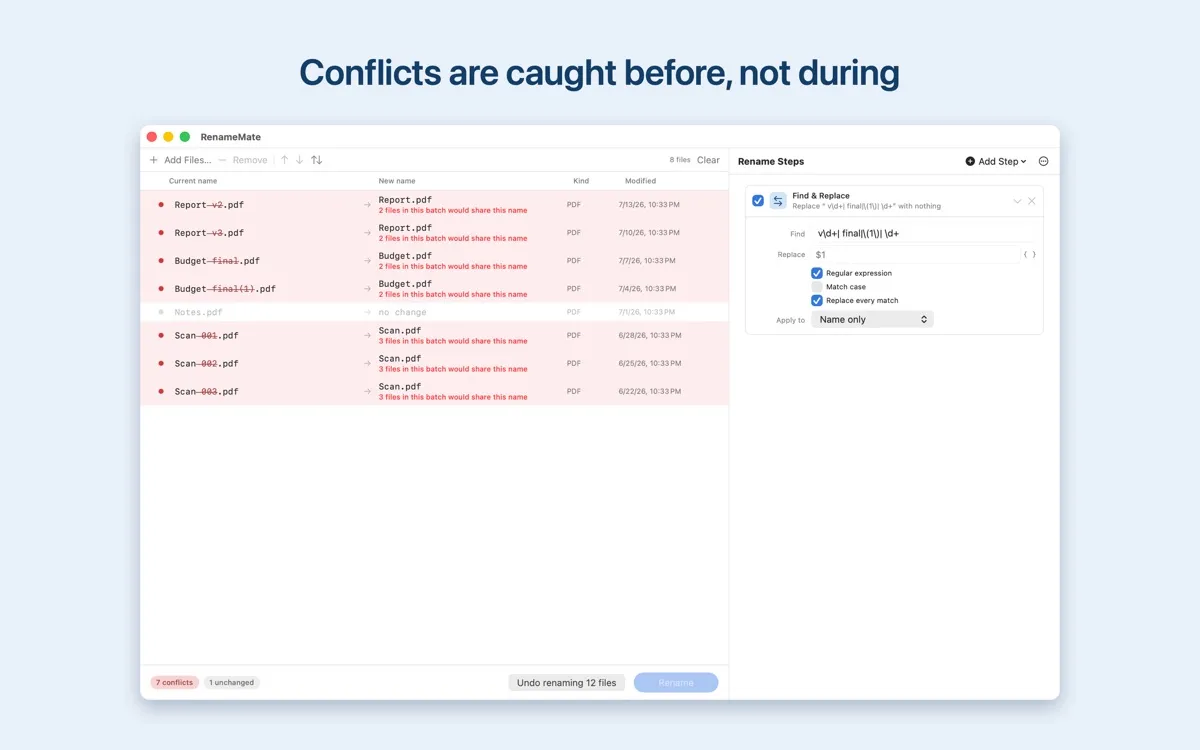
The preview table updates as you type and flags every row that could go wrong, from two files that would end up with the same name to a date token with nothing to fill it. Conflicts block the Rename button rather than being discovered halfway through.
If a rename does fail partway, RenameMate puts back the files it already moved instead of leaving you stranded. Case-only renames and swaps are staged through temporary names, so photo.jpg to Photo.jpg works and two files can trade names.
What it does
- 1
Stack rename steps that run top to bottom: find and replace, add or remove text, sequence numbers, case changes, cleanup, dates, and extensions.
- 2
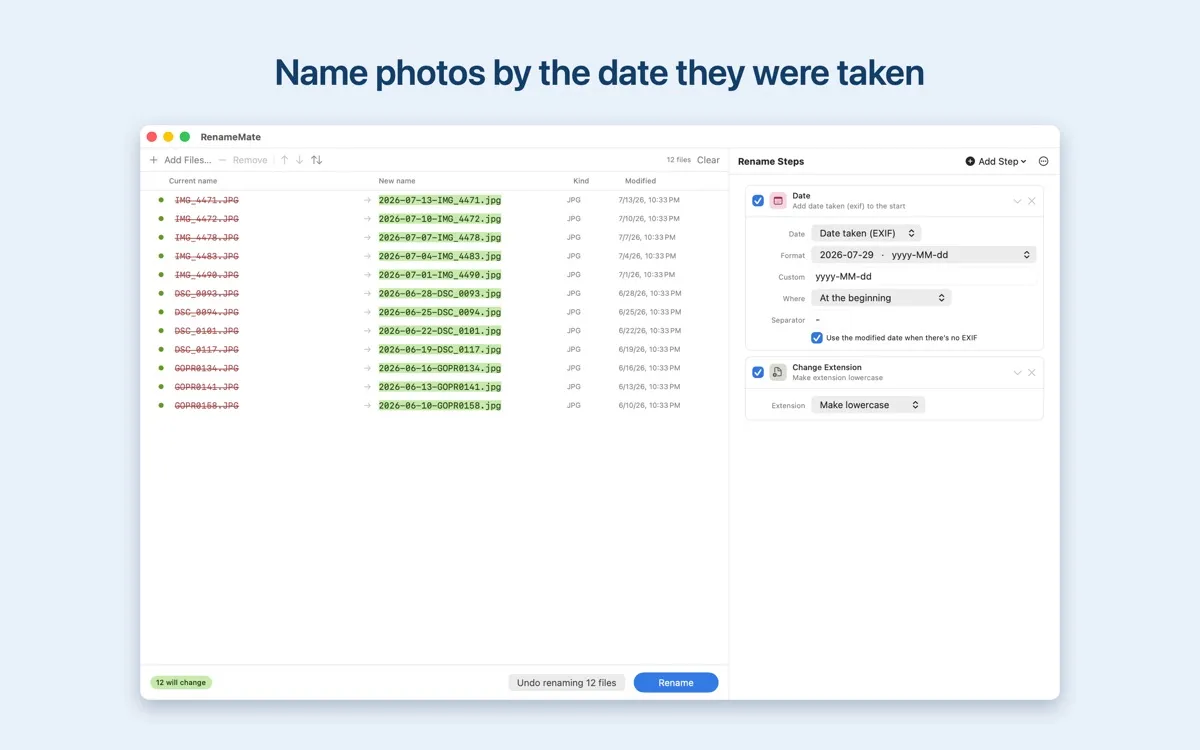
Use tokens like {name}, {seq:000}, {created:yyyy-MM-dd}, and EXIF dates in any text field.
- 3
See conflicts flagged before you commit: duplicate names, names already taken, illegal characters, and empty date tokens.
- 4
Undo an entire batch with Command-Z, with the undo record saved between launches.
- 5
Save any set of steps as a preset, with three built in to start.
Who it's for
Anyone with a folder of messy filenames: photographers stamping dates on shoots, anyone cleaning up downloads, scans, or exports.
How it's built
RenameMate is a native macOS app with no network access at all. It cannot phone home because it was never given the permission.
Why it matters
Bulk renaming is destructive and awkward to fix. Seeing the result first, catching conflicts before they happen, and undoing the whole batch turn a risky operation into a safe one.
More apps


